After your session
Share quick feedback, then read your summary and transcript. Your feedback is needed before you book the next session.
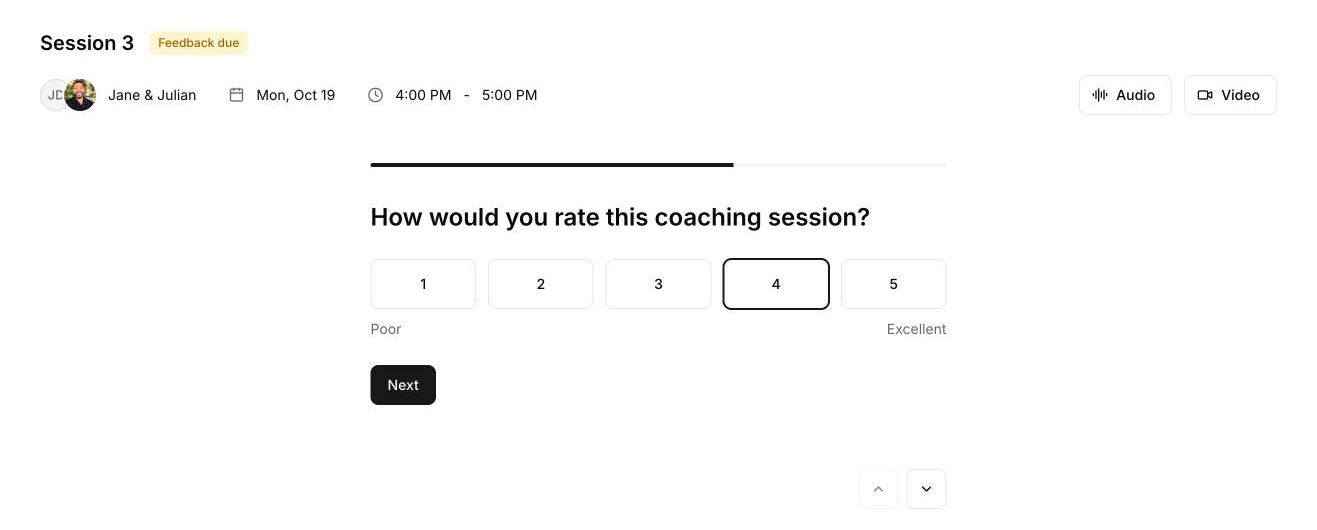
Share your feedback
When the session ends, we email you "How was session 1?" (with your session's number). The feedback questions are also on the session page. It takes about 2 minutes: a few ratings, two yes-or-no questions with a short example if you answer yes, and space for comments.
Note
You can book your next session once your feedback is in.
Read your summary
Open the session from your Sessions page. Once the recording has been processed, the Summary tab shows:
- what you committed to, and your next step
- a short summary of the session and its key points
- a closing note to take with you
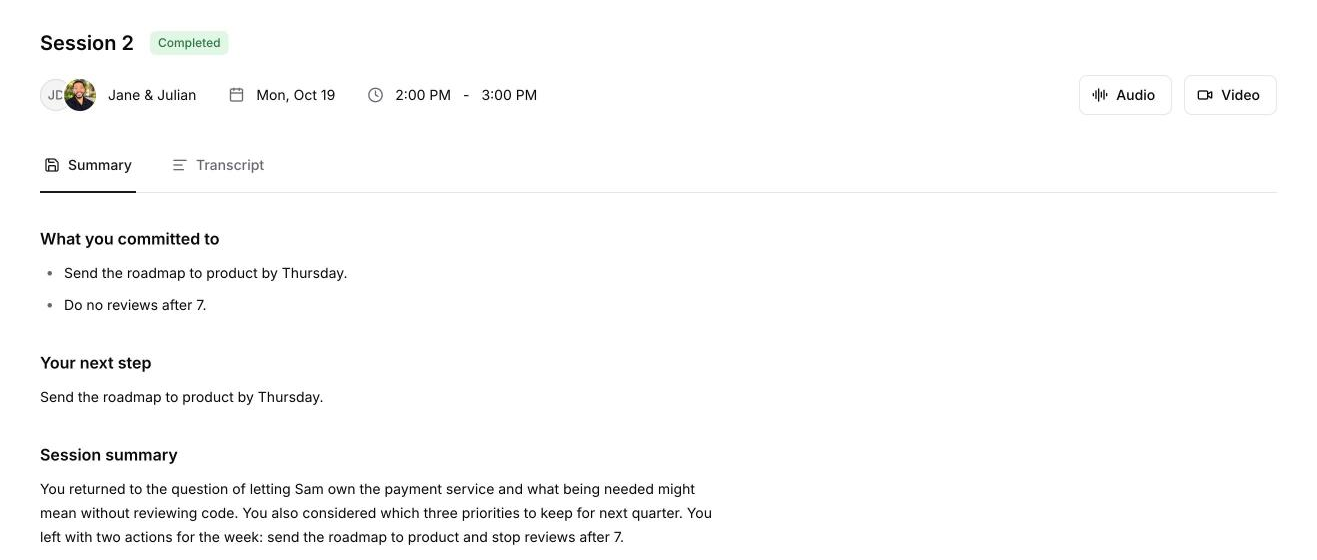
The Transcript tab has the full conversation. The Audio and Video buttons at the top of the page download the recording.
Book your next session
With your feedback in, go back to your Sessions page and book your next session.