Join your session
Join from your calendar invitation or the Join meeting button. Here is what is recorded and who can see it.
Sessions take place on Google Meet. Join a few minutes early from a quiet place with a good connection.
Two ways to join
- From your calendar: open the invitation "Zella Life: Session 1" (the number changes with each session) and click Join with Google Meet.
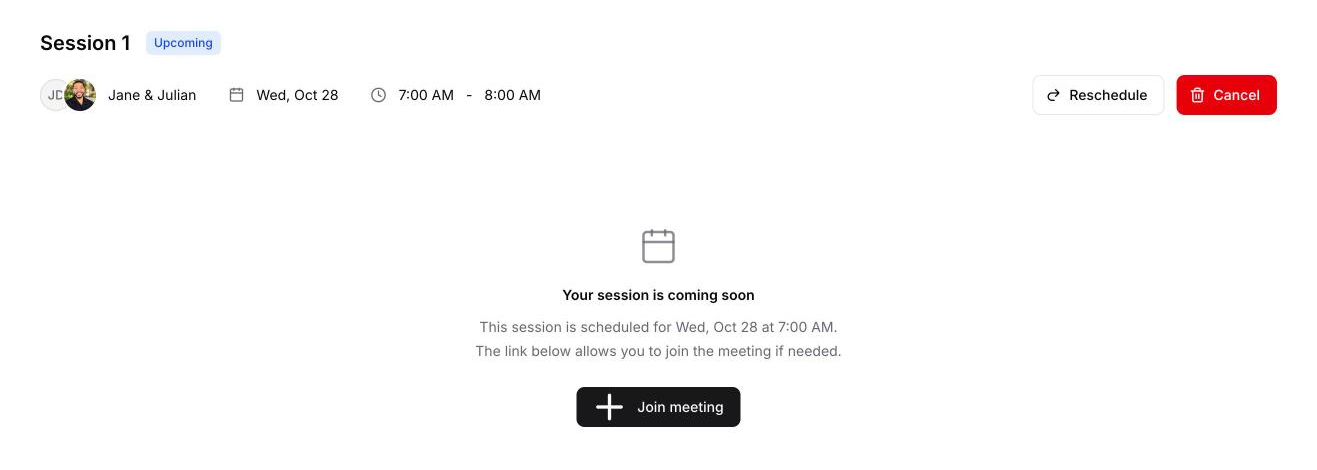
- From Zella Life: open the session and click Join meeting.
The recording assistant
A Zella recording assistant joins the call to record it. You'll see it as a guest on your calendar invitation and as a participant in the call. It records up to 2 hours and leaves on its own after the call ends. The recording is what your session summary and transcript are made from.
Who sees what
- You see your session summary, the transcript and the recording.
- Your coach sees a summary written for coaches, the transcript and the recording.
- The Zella team can see both summaries and the transcript, to support you and your coach.
Video recordings are kept for 6 months.