Your account and privacy
Update your name, photo and email, manage passkeys, send us feedback, or delete your account.
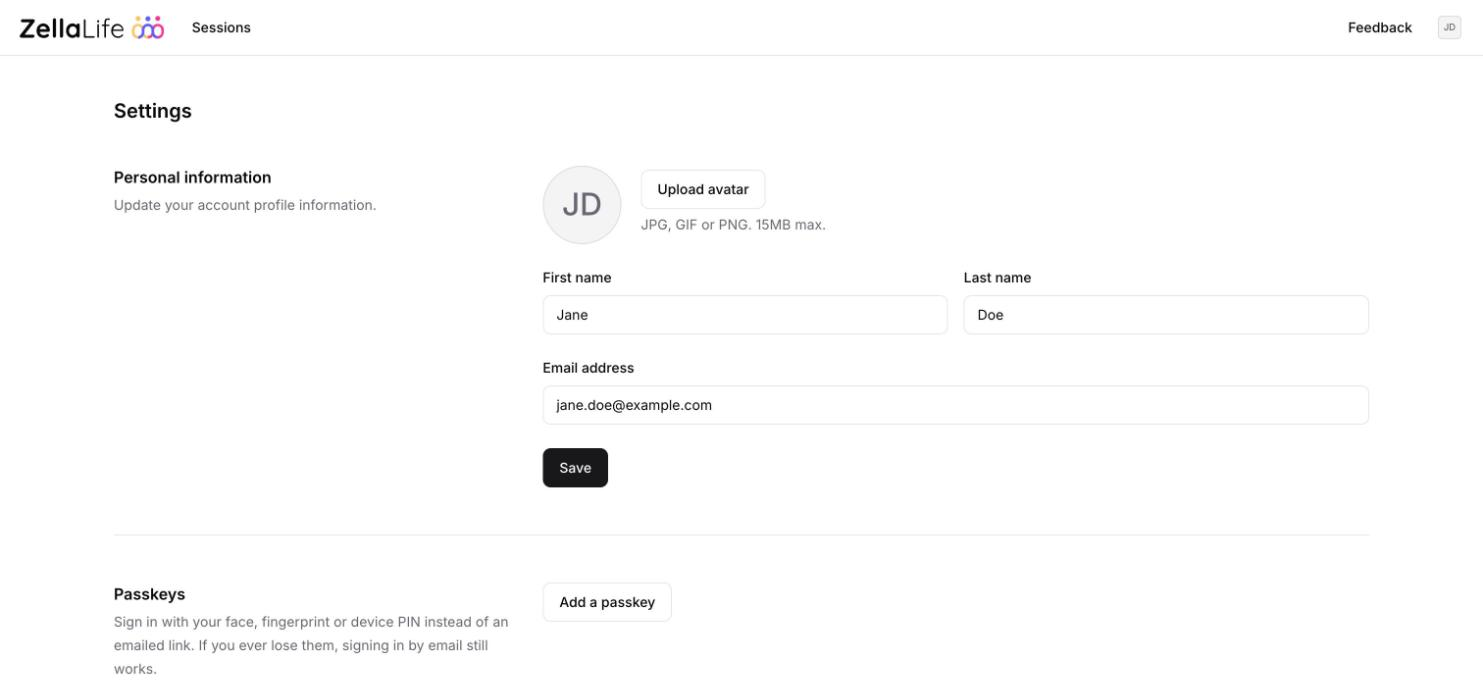
Open your account menu (your initials) and click Settings.
Your name and photo
Edit your name, or click Upload avatar to add a photo, then click Save.
Change your email address
Type the new address and click Save. We email a 6-digit code to the new address. Enter it within 10 minutes and click Confirm. From then on, sign in with the new address.
Passkeys
Add a passkey to sign in with your face, fingerprint or device PIN. See Sign in.
Sign out everywhere
Sign out all devices signs you out on every phone and computer. Use it if you signed in on a shared or lost device.
Send us feedback
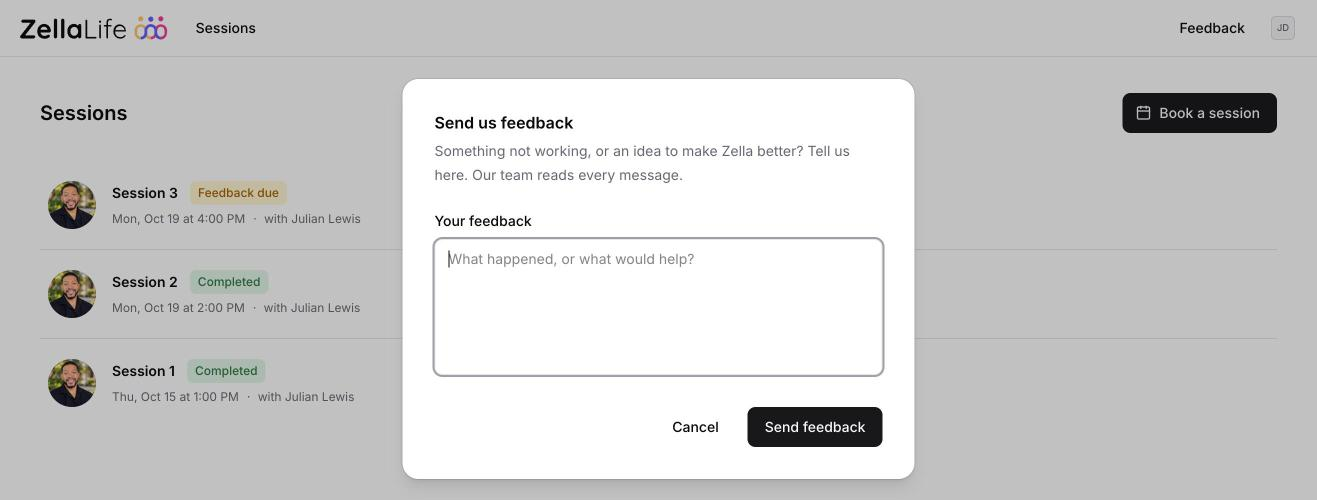
Something not working, or an idea to make Zella better? Click Feedback at the top of any page (on a phone, open the menu first), write your message and click Send feedback. The Zella team reads every message.
Delete your account
At the bottom of Settings, click Delete account and confirm. We may ask you to confirm it's you with a code we email you. Any upcoming sessions are canceled.
Warning
Deleting your account can't be undone. Your personal data is deleted, and anything that remains is anonymized.
Privacy
Read our Privacy Policy and Terms & Conditions.