Join Zella Life
Accept your cohort invitation, create your account and answer a short questionnaire so we can match you with a coach.
You have a place in a Zella Life coaching cohort. Joining takes about 10 minutes, and then we match you with a coach.
1. Open your invitation
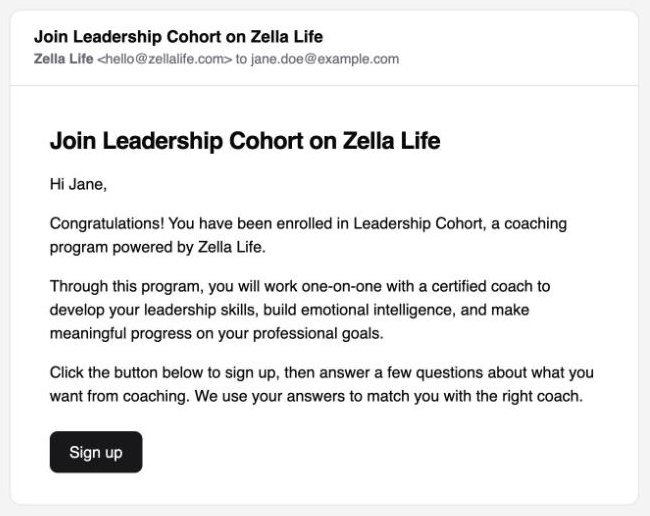
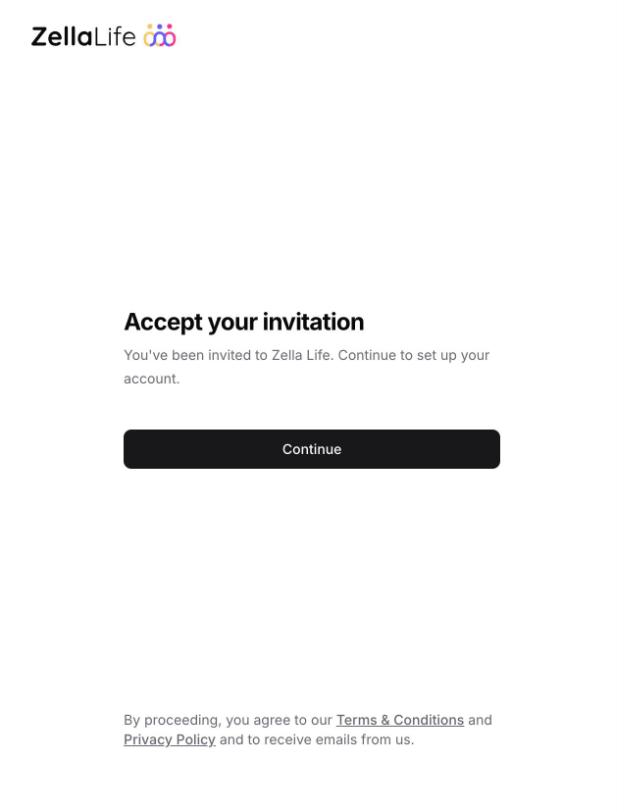
Look for an email from Zella Life called "Join [your cohort] on Zella Life" and click Sign up. On the page that opens, click Continue.
Note
Can't find it? Check your spam and promotions folders. If you have more than one invitation, use the newest one, because each new invitation replaces the one before.
2. Answer the questionnaire
The questions cover what you'd like from coaching, how you like to be coached, and what would help us find the right coach for you, such as the languages you speak. Most answers take one click. At the end we ask for your name and a phone number.
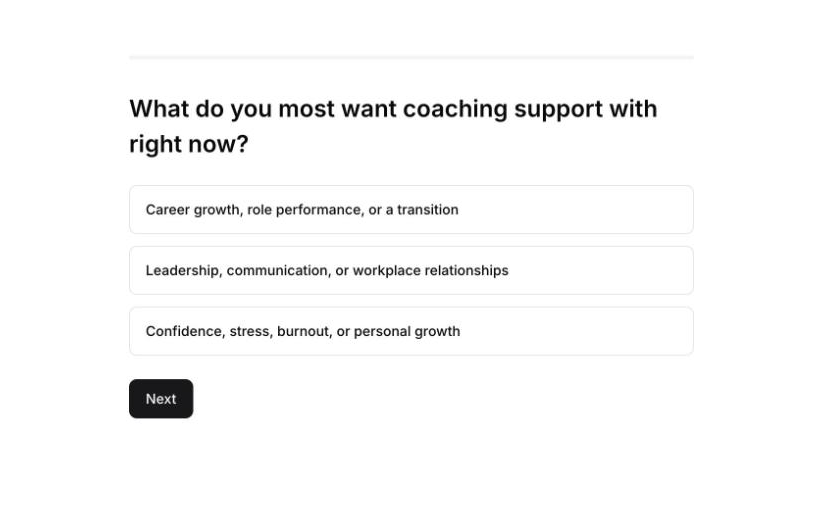
Your answers are saved as you go, so you can stop and pick up where you left off the next time you sign in.
Note
We use your answers to match you with a coach. Your coach can read them too, so they know what you'd like to work on.
3. Meet your coach
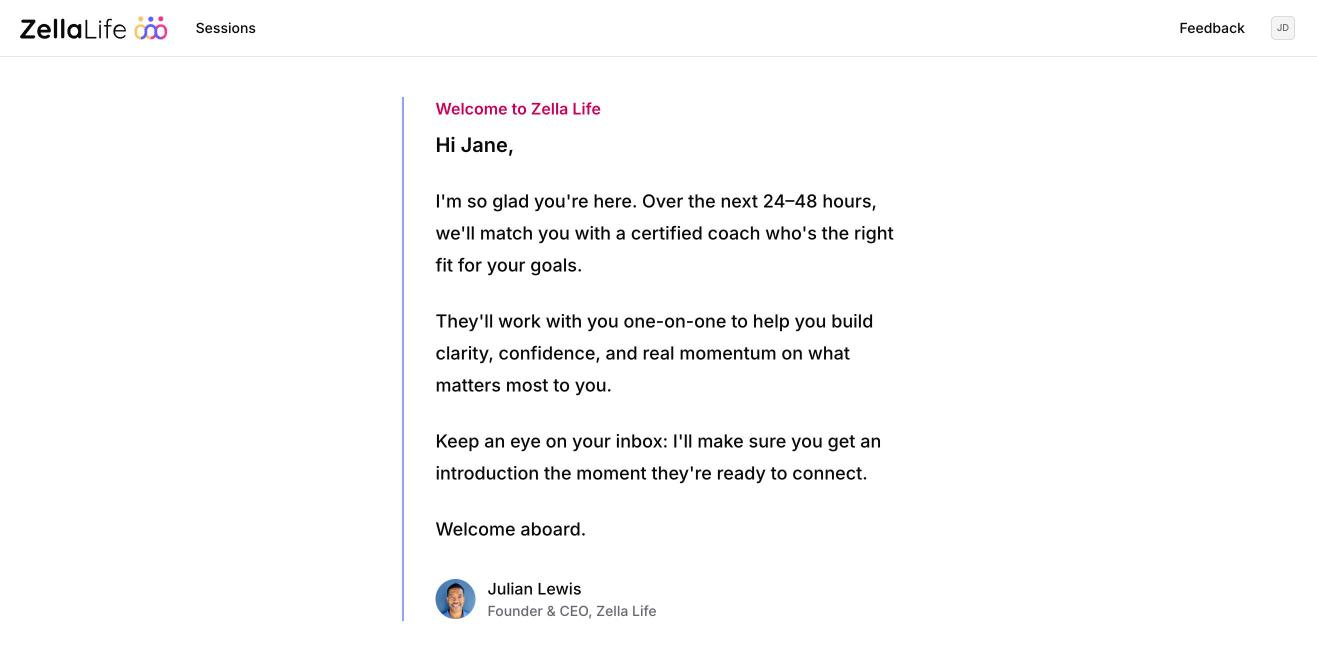
When you finish, you'll see a welcome page. Within 24 to 48 hours we match you with a coach and email you an introduction. Then you can book your first session.
If the link has expired
An invitation link works once. If yours says "This link has expired", your account is ready: go to zellalife.com/login, enter your email address and we'll send you a link. See Sign in.